
DIDAC SORIA / WORDPRESS & CUSTOM CODE
WordPress Code Designed to Solve, Integrate and Automate
I write Custom WordPress Code when a standard configuration cannot properly solve an editorial, technical or business problem.
This WordPress Development Portfolio brings together real plugins, Multilingual Architecture, responsive interfaces, reversible migrations and WP-CLI Automation. Each case explains what needed to work, how it was structured and which part of the code demonstrates the solution.
01 / OVERVIEW
Code Built for Real Constraints
My WordPress development examples are not isolated exercises. DS Portfolio reorganizes a visual library without changing its original content. WP CVDS converts seven legacy modules into one maintainable plugin and protects private documents. The didacsoria.com custom post type system preserves clean URLs and linked translations. WP-CLI tools make bulk changes reviewable, backed up and verifiable.
Owned projects: didacsoria.com · StudioDDC · cv.didacsoria.com
WordPress · PHP · JavaScript · HTML5 · CSS3 · Gutenberg · Polylang · WP-CLI · Genesis · Yoast SEO
8
Verified CV templates
7
Legacy modules consolidated
5
Shortcodes in DS Portfolio
3
Languages in WP CVDS
| What Users See | What the System Handles | Evidence on This Page |
|---|---|---|
| Clear filters and search | Bilingual records, taxonomies and accessible rendering | DS Portfolio and conditional asset loading |
| A CV that works on mobile | Responsive navigation and private document delivery | WP CVDS and signed access tokens |
| Consistent URLs in each language | Public custom post types, Polylang and exact routing rules | Multilingual routing architecture |
| Repeatable bulk changes | Dry runs, backups, application and verification | WP-CLI Automation |
These figures describe the verifiable scope of the reviewed software, not traffic, revenue or commercial performance.
02 / FEATURED PLUGIN
DS Portfolio 1.3.3
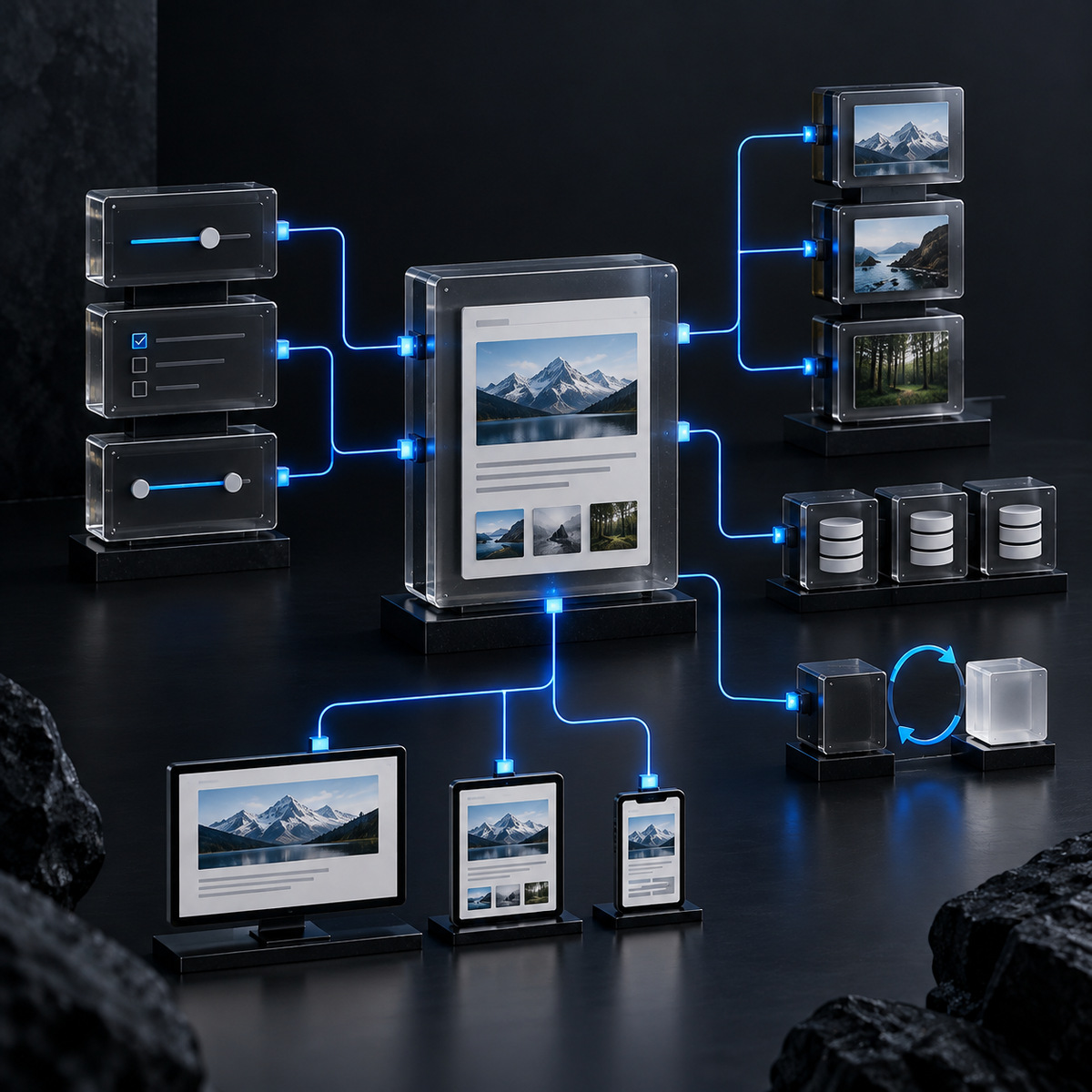
StudioDDC needed to present Web Design, Graphic Design and WordPress Themes with useful filters, search, sorting, a lightbox and touch-specific behavior. The challenge was to migrate the system without changing Posts, Polylang translations, taxonomies, Pretty Links or image metadata.
Model
A private record stores English and Spanish fields while referencing the existing attachments.
Interface
Accessible filters, optional search, Grid or Masonry layouts and touch-specific interaction.
Change Safety
Pre-migration auditing, reversible migration, incremental state, verification and rollback.
IMPLEMENTATION / PHP
Conditional Asset Loading Based on Used Shortcodes
The plugin avoids loading CSS and JavaScript globally. It checks the current context and content first, then loads its assets only when one of the registered Shortcodes is actually present.
public static function maybe_enqueue_assets() {
	// ENQUEUE PORTFOLIO ASSETS ONLY WHEN THE CURRENT CONTENT REQUIRES THEM.
	if ( ! is_singular() ) {
		return;
	}

	$post = get_post();

	if ( ! $post instanceof WP_Post ) {
		return;
	}

	if ( '' === trim( (string) $post->post_content ) ) {
		return;
	}

	$shortcodes = array_unique(
		array_merge(
			array_keys( self::$services_shortcodes ),
			array_keys( self::$shortcodes )
		)
	);

	foreach ( $shortcodes as $shortcode ) {
		if ( ! is_string( $shortcode ) || '' === $shortcode ) {
			continue;
		}

		if ( has_shortcode( $post->post_content, $shortcode ) ) {
			self::enqueue_assets();
			return;
		}
	}
}

private static function enqueue_assets() {
	// REGISTER AND ENQUEUE THE FRONTEND ASSETS FOR THE PORTFOLIO INTERFACE.
	wp_enqueue_style(
		'ds-portfolio',
		plugins_url(
			'assets/css/ds-portfolio.css',
			DS_PORTFOLIO_FILE
		),
		array(),
		DS_PORTFOLIO_VERSION
	);

	wp_enqueue_script(
		'ds-portfolio',
		plugins_url(
			'assets/js/ds-portfolio.js',
			DS_PORTFOLIO_FILE
		),
		array(),
		DS_PORTFOLIO_VERSION,
		true
	);

	wp_script_add_data(
		'ds-portfolio',
		'strategy',
		'defer'
	);
}
An expanded example of the pattern used to load resources only when the corresponding interface is present.
03 / WP CVDS
One Plugin for a Complete Professional Experience
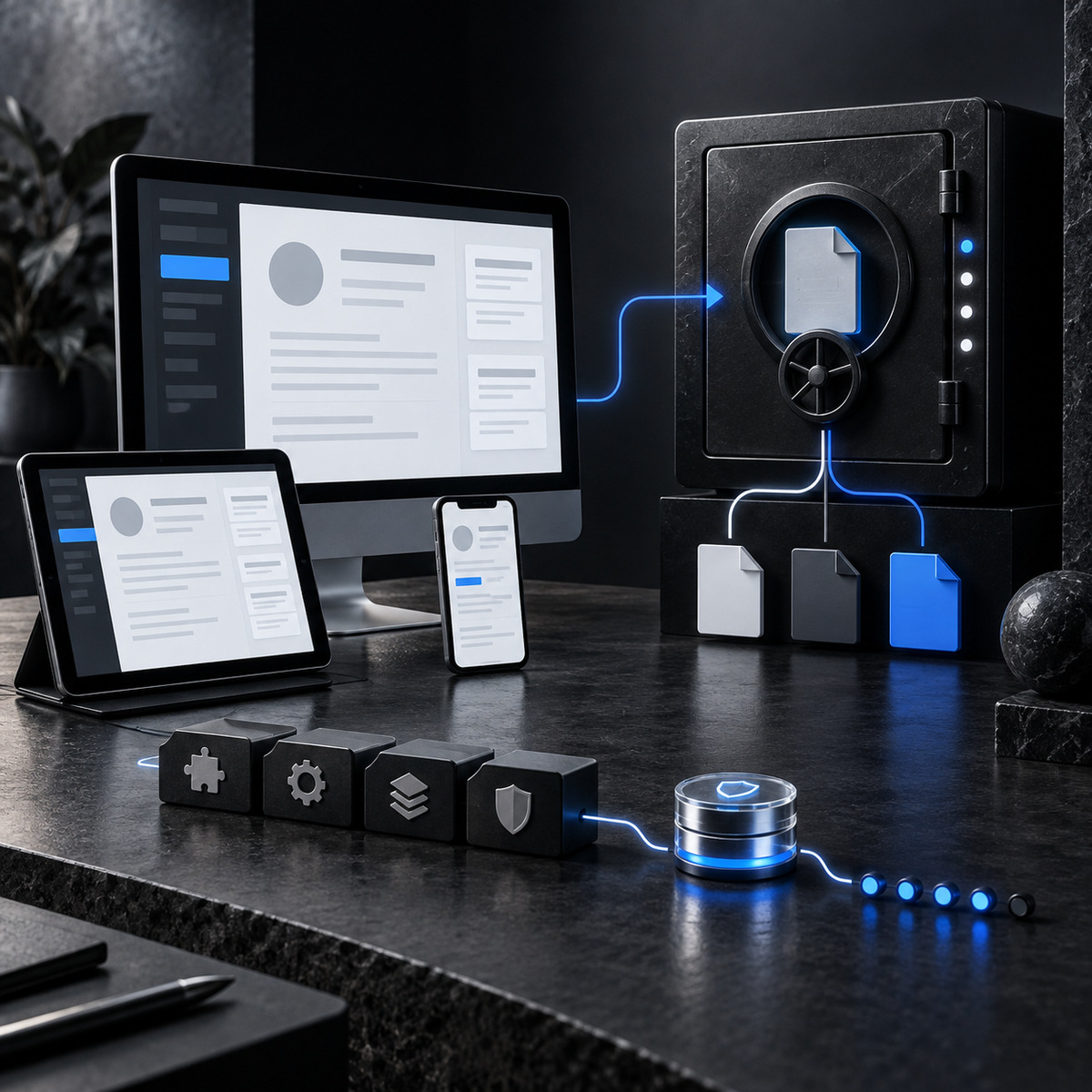
WP CVDS 1.2.0 consolidates seven original modules into a single plugin for cv.didacsoria.com. It preserves EN, ES and CA navigation, smooth scrolling, responsive behavior, eight verified Widget templates, login Branding and private downloads.
The protection system limits access to 5 attempts for 15 minutes, verifies the PIN against a hash, signs an access token with WordPress salts and delivers PDF documents from a private directory outside Uploads.
IMPLEMENTATION / PHP SECURITY
Creating and Verifying Signed Expiring Tokens
The authorization flow does not store the PIN in a Cookie. The system signs an expiration time with HMAC, uses the WordPress salts and compares signatures securely.
function cvds_create_access_token( $expires ) {
	// CREATE A SIGNED ACCESS TOKEN WITH A FIXED EXPIRATION.
	$expires = absint( $expires );

	if ( $expires <= time() ) {
		return '';
	}

	$payload = 'cvds|' . $expires;

	$signature = hash_hmac(
		'sha256',
		$payload,
		wp_salt( 'auth' )
	);

	return $expires . '.' . $signature;
}

function cvds_verify_access_token( $token ) {
	// VERIFY THE SIGNATURE AND EXPIRATION OF AN ACCESS TOKEN.
	if ( ! is_string( $token ) || '' === $token ) {
		return false;
	}

	$parts = explode(
		'.',
		$token,
		2
	);

	if ( 2 !== count( $parts ) ) {
		return false;
	}

	$expires   = absint( $parts[0] );
	$signature = sanitize_text_field(
		$parts[1]
	);

	if (
		0 === $expires ||
		$expires <= time() ||
		64 !== strlen( $signature )
	) {
		return false;
	}

	$payload = 'cvds|' . $expires;

	$expected = hash_hmac(
		'sha256',
		$payload,
		wp_salt( 'auth' )
	);

	return hash_equals(
		$expected,
		$signature
	);
}

function cvds_has_valid_access_cookie() {
	// VALIDATE THE ACCESS COOKIE WITHOUT TRUSTING RAW REQUEST DATA.
	if ( empty( $_COOKIE['cvds_access'] ) ) {
		return false;
	}

	$token = sanitize_text_field(
		wp_unslash(
			$_COOKIE['cvds_access']
		)
	);

	return cvds_verify_access_token(
		$token
	);
}
The sample covers token creation, expiration, sanitization, HMAC signing and secure signature comparison.
04 / MULTILINGUAL ARCHITECTURE
Translatable Content with Page-Like URLs
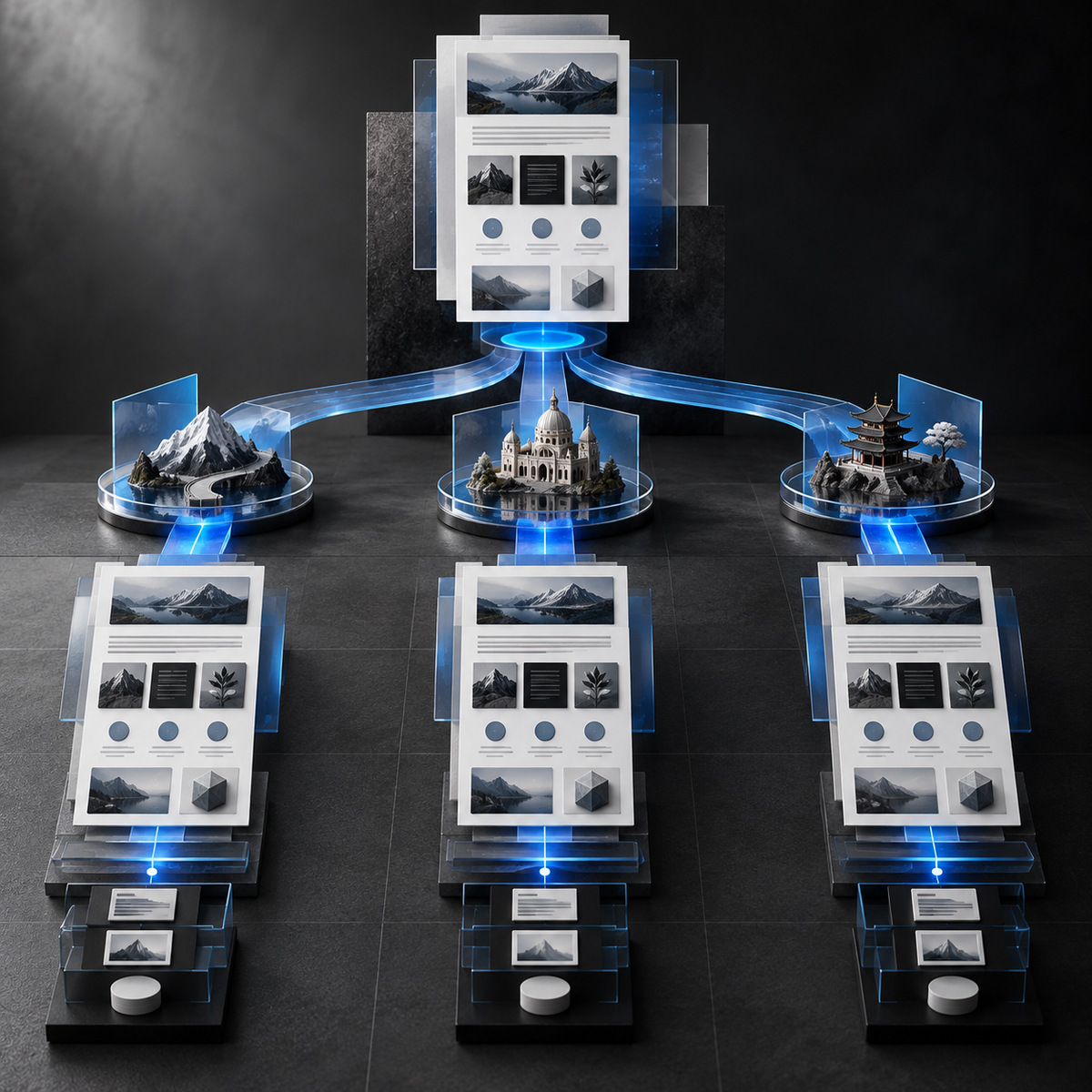
On didacsoria.com, ds_service and ds_portfolio are public custom post types supporting Gutenberg, Revisions, Featured Images, Excerpts, Custom Fields and hierarchy. Polylang links their language versions, while the routing system generates clean root URLs without an artificial custom post type base.
The English URL uses /wordpress-development-portfolio/, while its Spanish counterpart uses /es/portfolio-desarrollo-wordpress/. They are independent entries linked as translations and prepared for distinct SEO metadata.
IMPLEMENTATION / WORDPRESS + POLYLANG
Building Secure Multilingual Root URLs
The route is generated from the WordPress object, validates the content type, removes empty segments and adds the language only when it differs from the Polylang default language.
function ds_get_root_content_language( $post_id ) {
	// GET THE POLYLANG LANGUAGE SLUG FOR ROOT CONTENT.
	$post_id = absint( $post_id );

	if (
		0 === $post_id ||
		! function_exists( 'pll_get_post_language' )
	) {
		return '';
	}

	$language = pll_get_post_language(
		$post_id,
		'slug'
	);

	return is_string( $language )
		? sanitize_key( $language )
		: '';
}

function ds_get_root_content_path( $post ) {
	// BUILD A ROOT CONTENT PATH WITH THE CORRECT LANGUAGE PREFIX.
	if ( ! $post instanceof WP_Post ) {
		return '';
	}

	if (
		! in_array(
			$post->post_type,
			array(
				'ds_service',
				'ds_portfolio',
			),
			true
		)
	) {
		return '';
	}

	$slug = sanitize_title(
		$post->post_name
	);

	if ( '' === $slug ) {
		return '';
	}

	$parts = array(
		$slug,
	);

	$language = ds_get_root_content_language(
		$post->ID
	);

	$default_language = '';

	if ( function_exists( 'pll_default_language' ) ) {
		$default_language = pll_default_language(
			'slug'
		);

		$default_language = is_string(
			$default_language
		)
			? sanitize_key( $default_language )
			: '';
	}

	if (
		'' !== $language &&
		$language !== $default_language
	) {
		array_unshift(
			$parts,
			$language
		);
	}

	$parts = array_filter(
		array_map(
			'sanitize_title',
			$parts
		)
	);

	return implode(
		'/',
		$parts
	);
}

function ds_get_root_content_url( $post_id ) {
	// BUILD THE PUBLIC URL FOR A ROOT SERVICE OR PORTFOLIO ITEM.
	$post = get_post(
		absint( $post_id )
	);

	if ( ! $post instanceof WP_Post ) {
		return '';
	}

	$path = ds_get_root_content_path(
		$post
	);

	if ( '' === $path ) {
		return '';
	}

	return home_url(
		user_trailingslashit(
			$path
		)
	);
}
Separating language, path and URL makes the same logic reusable for links, redirects and WP-CLI verification.
05 / AUTOMATION
WP-CLI for Changes That Can Be Reviewed and Repeated
My WordPress Automation tools separate checks, dry runs and application. Destructive operations are prepared with backups, argument validation, explicit confirmation and post-change verification.

| Stage | What It Checks | Practical Value |
|---|---|---|
| Check | Plugins, custom post types, languages, links and files | Fails before writing when a dependency is missing |
| Dry Run | Matched records and planned changes | Makes the scope reviewable before application |
| Backup | Original values or a database export | Preserves a clear recovery path |
| Apply | Validated and explicitly confirmed operations | Avoids broad or imprecise changes |
| Verify | Content, metadata, URLs and relationships | Confirms the final state |
The same pattern is used for bilingual content deployments, migrations, metadata updates and controlled search-and-replace operations.
COMPLETE CODE / BASH + WP-CLI
Safe Search and Replace with a Mandatory Dry Run
This complete script from my WP-CLI Operations Toolkit always performs a simulation before changing the database and requires an explicit confirmation flag before applying the replacement.
#!/usr/bin/env bash
#
# Safe Search and Replace
#
# Wraps `wp search-replace` in a mandatory dry-run step. The script always
# runs in dry-run mode first and only performs the real replacement when
# --confirm is explicitly passed. It does not create a backup itself; run
# wp-cli-backup-before-destructive.sh first.
#
# Usage:
#   ./wp-cli-safe-search-replace.sh --path=/path/to/wordpress \
#       --search="http://old.example.com" --replace="https://new.example.com" [--confirm]

set -euo pipefail

WP_PATH=""
SEARCH=""
REPLACE=""
CONFIRM=false

for arg in "$@"; do
	case "$arg" in
		--path=*)
			WP_PATH="${arg#*=}"
			;;
		--search=*)
			SEARCH="${arg#*=}"
			;;
		--replace=*)
			REPLACE="${arg#*=}"
			;;
		--confirm)
			CONFIRM=true
			;;
	esac
done

if [ -z "$WP_PATH" ] || [ -z "$SEARCH" ] || [ -z "$REPLACE" ]; then
	echo "Error: --path, --search, and --replace are required." >&2
	exit 1
fi

echo "Running dry-run search-replace: '$SEARCH' -> '$REPLACE'"

wp search-replace "$SEARCH" "$REPLACE" \
	--path="$WP_PATH" \
	--all-tables-with-prefix \
	--dry-run \
	--report-changed-only

if [ "$CONFIRM" != true ]; then
	echo "----------------------------------------"
	echo "Dry run only. No changes were made."
	echo "Confirm a backup exists, then re-run with --confirm to apply the replacement."
	exit 0
fi

echo "----------------------------------------"
echo "Confirm flag detected. Applying search-replace."

wp search-replace "$SEARCH" "$REPLACE" \
	--path="$WP_PATH" \
	--all-tables-with-prefix \
	--report-changed-only

echo "Search-replace complete. Verify affected pages and flush any caches."
Source: wp-cli-safe-search-replace.sh
06 / FRONT-END DELIVERY
Small Code When a Small Solution Is Enough
Not every problem needs a large plugin. A Services Shortcode can use real WordPress IDs to retrieve the Link, Featured Image and Excerpt. When an entry does not exist or should not be public, the callback does not generate a broken card.
This is an important part of my work as a WordPress Developer: match the size of the solution to the problem, keep the content editable and apply validation, sanitization and escaping at the correct boundaries.
IMPLEMENTATION / WORDPRESS FRONT END
Rendering Cards from Real WordPress Data
The callback validates the IDs, excludes entries that should not be displayed and escapes the URL, image, title and excerpt at the point of output.
function ds_render_service_cards_shortcode( $atts ) {
	// RENDER SERVICE CARDS FROM VALID WORDPRESS POST IDS.
	$atts = shortcode_atts(
		array(
			'ids' => '',
		),
		$atts,
		'ds_service_cards'
	);

	$ids = wp_parse_id_list(
		$atts['ids']
	);

	if ( empty( $ids ) ) {
		return '';
	}

	$items = array();

	foreach ( $ids as $post_id ) {
		$post = get_post(
			$post_id
		);

		if (
			! $post instanceof WP_Post ||
			'publish' !== $post->post_status ||
			'ds_service' !== $post->post_type
		) {
			continue;
		}

		$permalink = get_permalink(
			$post_id
		);

		if ( ! $permalink ) {
			continue;
		}

		$items[] = array(
			'title'     => get_the_title( $post_id ),
			'url'       => $permalink,
			'image_url' => get_the_post_thumbnail_url(
				$post_id,
				'large'
			),
			'excerpt'   => wp_strip_all_tags(
				get_the_excerpt( $post_id )
			),
		);
	}

	if ( empty( $items ) ) {
		return '';
	}

	ob_start();
	?>

	<div class="ds-service-cards">
		<?php foreach ( $items as $item ) : ?>

			<article class="ds-service-card">

				<a
					class="ds-service-card__link"
					href="<?php echo esc_url( $item['url'] ); ?>"
				>

					<?php if ( ! empty( $item['image_url'] ) ) : ?>

						<img
							class="ds-service-card__image"
							src="<?php echo esc_url( $item['image_url'] ); ?>"
							alt=""
							loading="lazy"
							decoding="async"
						/>

					<?php endif; ?>

					<h3 class="ds-service-card__title">
						<?php echo esc_html( $item['title'] ); ?>
					</h3>

					<?php if ( '' !== $item['excerpt'] ) : ?>

						<p class="ds-service-card__excerpt">
							<?php echo esc_html( $item['excerpt'] ); ?>
						</p>

					<?php endif; ?>

				</a>

			</article>

		<?php endforeach; ?>
	</div>

	<?php

	return (string) ob_get_clean();
}

add_shortcode(
	'ds_service_cards',
	'ds_render_service_cards_shortcode'
);
Other Parts of the Same System
Read-Only Portfolio Audit
Exports Posts, taxonomies, Media, Polylang and Pretty Links to JSON with a SHA-256 hash before migration.
Bilingual Content Deployment
Creates independent EN and ES content, links translations and configures Yoast SEO and Media from WP-CLI.
Responsive Portfolio Rendering
Uses responsive images, lazy loading, asynchronous decoding and explicit priority for the first item.
FREQUENTLY ASKED QUESTIONS
What This Code Portfolio Demonstrates
Are these real code examples?
Yes. The page combines implementations from real WordPress projects with expanded examples of the patterns used to demonstrate validation, Security, Architecture and Automation clearly.
Do you also work with Gutenberg and Genesis?
Yes. I develop with Gutenberg, Genesis Framework and Mai Engine when the project requires them, using Blocks, Hooks, filters, custom post types and custom components without losing the WordPress editorial experience.
Can you work on an existing installation?
Yes. I first review the Architecture, dependencies, data, URLs, compatibility and risks. I then propose the smallest change that can be maintained, tested, verified and reversed.
What can a Custom WordPress Development project include?
It can include plugins, Themes, custom post types, taxonomies, Gutenberg, WooCommerce, APIs, Polylang, WP-CLI, migrations, Security, Performance, Technical SEO, integrations and documentation according to the real requirement.
DO YOU HAVE A SPECIFIC TECHNICAL REQUIREMENT?
Tell Me What WordPress Needs to Do
I can review an existing installation, design its Architecture and develop the missing component. You work directly with the person who analyzes, writes, tests and documents the Code.